Introduction
What EvaSpeaks does and what you can build with it.
Welcome to EvaSpeaks
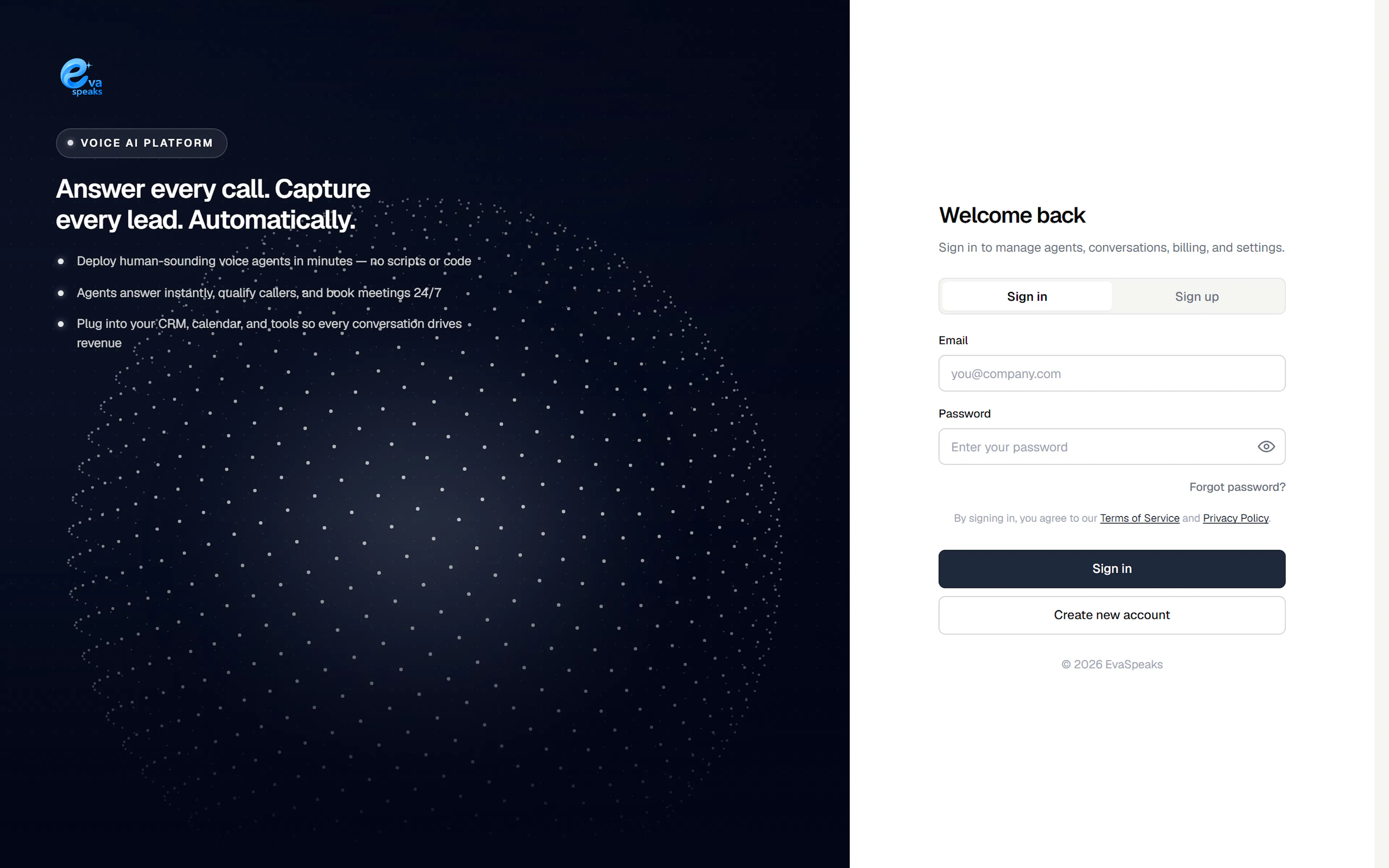
EvaSpeaks lets you deploy human-sounding AI voice agents that answer your calls, qualify callers, and book meetings — 24/7, with no scripts or code. You build an agent in the browser, connect a phone number, and it starts handling conversations for you.
What you can do
- Answer every call with an agent that speaks naturally and follows your instructions.
- Book appointments straight into your Google or Outlook calendar during the call.
- Qualify and capture leads, then hand off to a person when needed.
- Follow up automatically with reminders and outbound callback campaigns.
- Connect your tools — calendar, CRM, and custom APIs — so every conversation drives action.
How it fits together
A working setup has four parts:
- An agent — its personality, greeting, and instructions.
- Knowledge — the documents and pages the agent can answer from.
- Skills — actions the agent can take, like booking or transferring a call.
- A channel — the phone number (or web/SIP endpoint) callers reach it on.
Where to start
Follow these guides in order — each one picks up where the last left off.
- Create your account — set up your workspace and pick a plan.
- Quickstart: your first agent — build a working agent and take a call in about 15 minutes.
- Build your agent — shape its persona, instructions, and voice.
- Add knowledge — give it your info to answer from.
- Skills & actions — let it book, transfer, and look up callers.
- Connect a phone number — so callers can reach it.
- Test & go live — try it in the sandbox, then publish.
Then run your workspace day to day with Integrations, Monitoring, Reminders, Billing, and Settings.
The short version: an agent + a phone number is all you need to go live. Everything else is optional and can be added when you need it.